 There is a new Internet browser in the market and brought to us by the boys (and girls) of Google Inc. I found out about their new Internet browser; Chrome, yesterday via their Inside Adsense email newsletter. The way I see it, their Internet browser will be in direct competition to Mozilla Firefox, Opera and Safari. And yes, if you want me to mention it – Internet Explorer.
I’ve been using Chrome almost completely the whole day yesterday except during the time I had a meeting in the afternoon. This was because Chrome is only released for Windows at the moment. *wails* But as I type this entry on Chrome, I’m slowly noticing and appreciating the additional potential it has to offer me. So, how does Google Chrome fair against the others?
Well, let’s see what Google says Chrome has to offer:
- One bar to rule them all
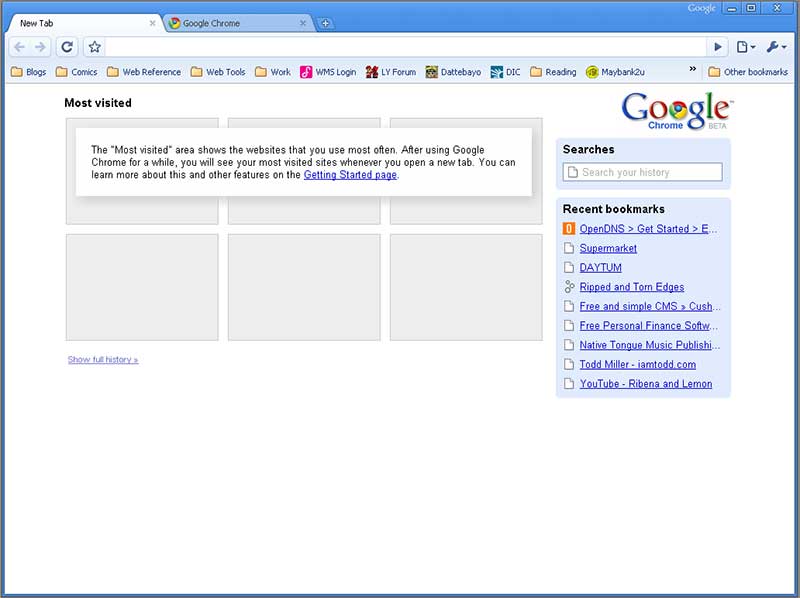
Your URL, search, bookmarks and history in one place. - Most visited sites page
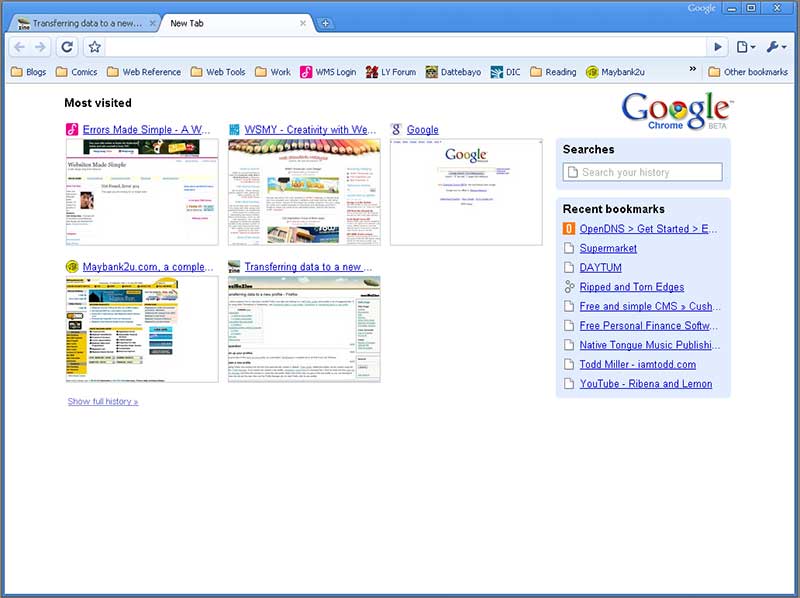
If you’ve used Opera, it’s a similar concept except this tracks the websites you’ve recently visited and mostly visit. You can’t assign your own websites like Opera. - Application shortcuts
Launch Facebook directly from your Desktop. I wouldn’t say you’re not loading a browser but you’re loading a very stripped down version aimed to only load the shortcut created. - Dynamic tabs
Now, this is one of its cool features. You can drag a tab out and create a new window from it. - Crash control
Oh, so this is why Chrome is running so many processes in my computer. Google has created their browser to run each tab on an individual process. So if (by chance), my blog hangs you can then end my process without affecting the browser. - Incongnito mode (I like!)
I’ve not personally taken this on a full-blown test. But what it does is allow you to surf the Internet discreetly. It doesn’t leave traces of cookies, history and some others in a new (darker blue) window. - Safe browsing (most have this)
Like other modern browsers, it’ll tell you if the visited website could be suspected of phishing. - Instant bookmarks (Firefox 3 has this too!)
While you’re surfing, click on the star icon to instantly create a new bookmark. - Importing settings
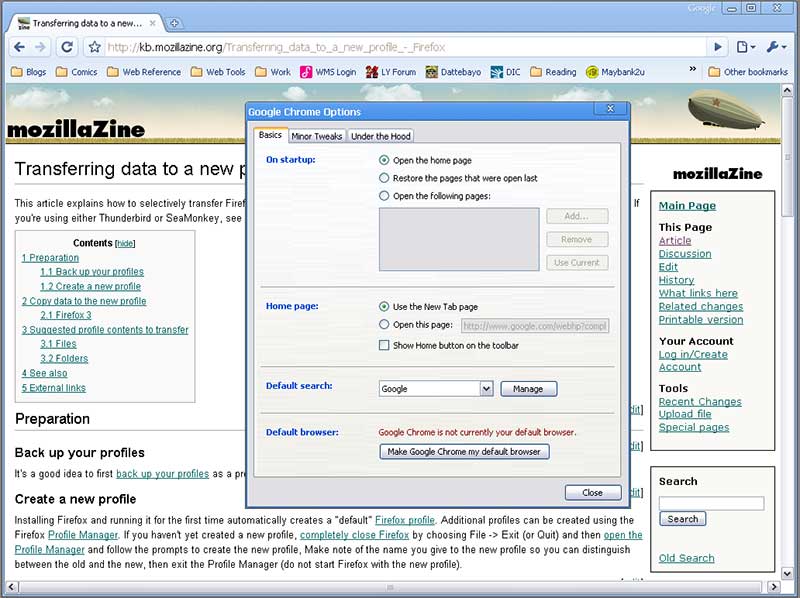
When you first start Chrome, you’ll be asked if you’d like to import in your stuff and you can select the stuff you want to import. - Simpler downloads
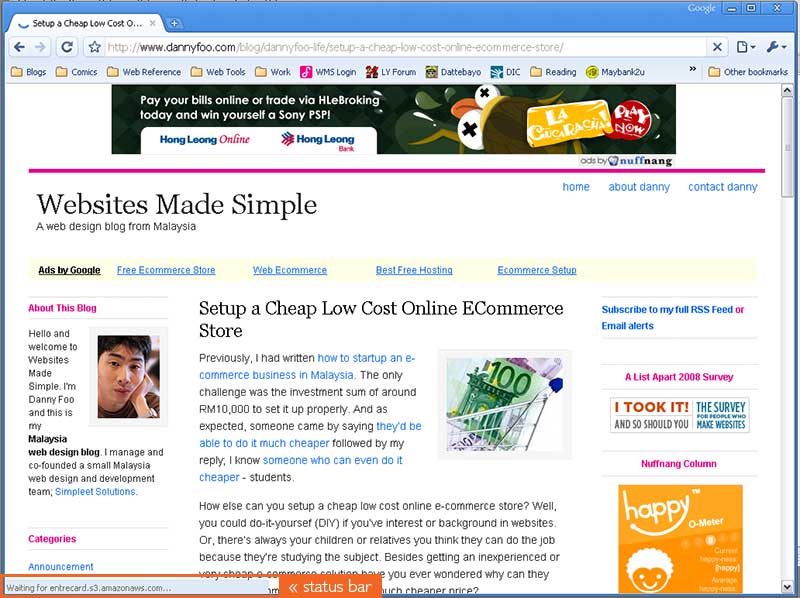
Instead of a new window (Firefox & IE) or a new tab (Opera), downloads are displayed at the bottom of the browser. If you’re wondering about the status bar, read on and you’ll find it. ;)
In summary, I would say Google Chrome promises a faster, safer and easier way for a user to surf the Internet and go about performing your normal routines; browsing, shopping, emails and downloads. For moderately hardcore (myself) or hardcore users, I’d have to say I find Google Chrome a nice addition to my other most commonly used browsers; Firefox and Opera.
Here are some screenshots to give you a better of what Google Chrome feels and looks like and do click on them for a larger version:
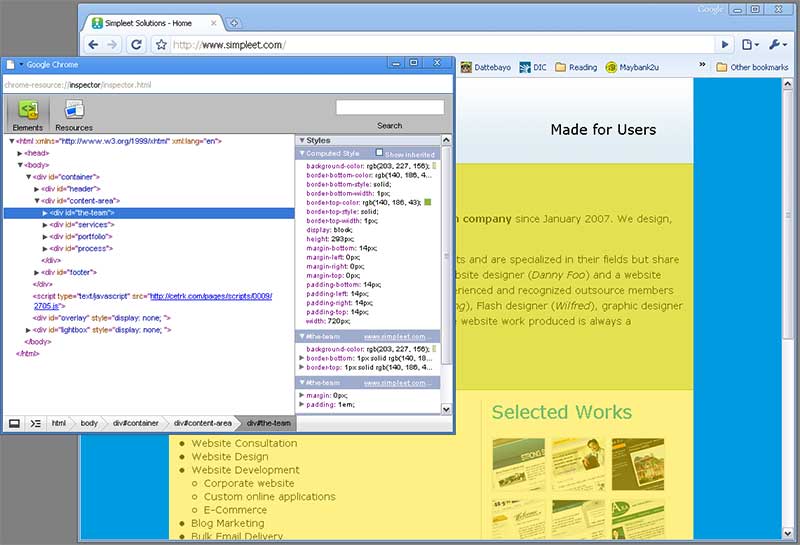
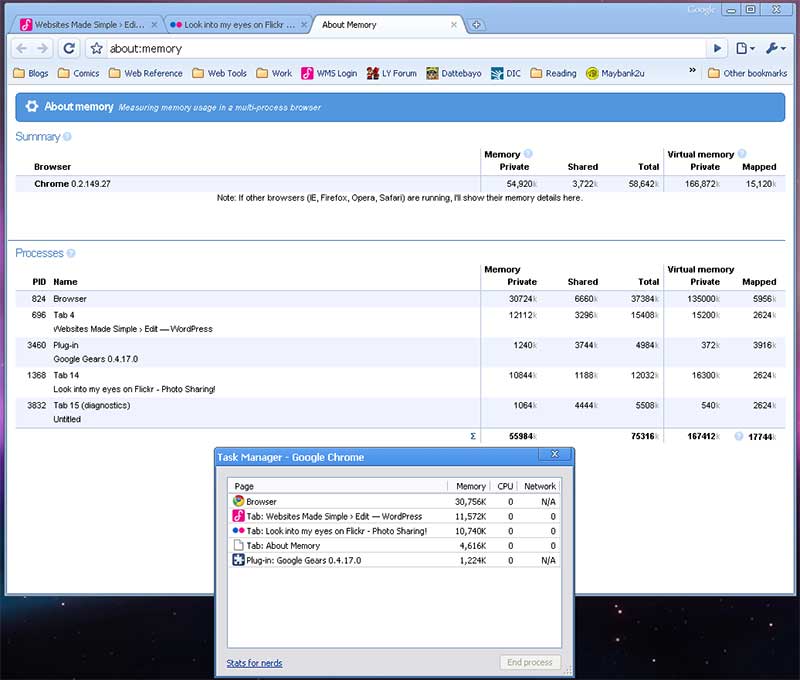
My default browser is still Mozilla Firefox but let’s see what Google Chrome falls short of compared to my default browser. As I said, I’m not a hardcore users so these are stuff I’ve noticed using it on a daily routine:
- No addons
Hello again, ads! Chrome does block popup ads but it doesn’t have an option for you to filter out ads from unnecessarily loading. It’s unnecessary to me because I rarely look at them. And my partner was terrified to find there ain’t FlashBlock for Chrome as well. LOL! - No shortcut keys to complete the most common domain names
Besides .COM, the other two most common domain names I’d say are; .NET and .ORG. Firefox allows me to complete URLs with the following domains. - Must click to open next bookmark folder
This is a tiny thing but I noticed you can’t open the next folder on the bookmark folder by strafing across like Firefox.
But overall, Google Chrome (and my partner) taught me some new things. My partner explained it’s good if each tab runs on a single process behind your system because it makes better use your multi-core CPUs. *shrug*
And here’s another thing, you can resize (any) textarea message box. Just look at the bottom right corner of a textarea box and drag the dots which form an arrow icon.
In conclusion, I personally find Google Chrome is an all round basic, simple, fast and easy alternative to Internet Explorer. It may be able to replace Mozilla Firefox for certain needs or users. In the meantime, I’m leaving Firefox as my default browser while I discover more hidden secrets (or super powers) of Google Chrome.
Have you download Google Chrome already?
Few things that bothers me:
1) Lack of add-on capabilities (especially Mouse Gestures) which can be found in Firefox add-on.
2) Though Google’s colour is blue but urrghhh…
3) I’ve to view the complete list of history unlike Firefox
4) And yeah, the bookmark function is pain-in-the-arse…
But yeah, as u said, it is stripped down version of all web browsers in the market which I think it is key point Chrome has to offer.
Took in on a tour yesterday, including a short demo during a client presentation but overall usage is pretty much the same. I’m still with Firefox though – most of Chrome’s capabilities seem to be under-the-hood stuff which may be beneficial over the long run, especially with heavy users of web2.0 websites that utilize a lot of Ajaxy and Javascripty stuff.
It’s still very early days; and would be somewhat unfair to compare it straight against IE or FF which have been around for years and have gone thru many iterations.
OK, I am gonna download Chrome right now simply because you are using it. :)
Chong:
Blue is okie-wart.
Mike:
Glad to see you here. And I beg to differ. In terms of handling AJAX and JS, it has some problems. This is reflected when using Chrome in the new Facebook.
Neo:
Wah, so nice-mer. But let me know how you find it later. ;)
Have downloaded it, but yet to explore. thanks bro for sharing yr experience in using it.
at least, in future if i decide to use Chrome, i know where to refer….
Cheers!
Only things that are holding me back from using it full time is
1. No “rememberthemilk Gmail plugin” for gmail
2. No smooth scrolling / Auto Scroll
3. No delicious.com plugin / integration
4. facebook ajax stuff doesn’t work
5. plurk.com crashes the “Tab” after certain actions
if these 5 things are settled.. I’m onto chrome for daily use.
Yeah, I am using Chrome now. Like the crash control. It is also faster than Firefox. But there are something which I miss…
Chong has already mentioned about the bookmark function. Another thing I don’t like is that Chrome is not very ‘keyboard-friendly’. (Clicking the mouse too much can be stressful to the right hand!)
Money King:
Pleasure showing you the way. :)
Wilfred:
1. What in the world is this?! o.0
2. I don’t use this at all.
3. True that.
4. Found that out myself too.
5. I don’t use Plurk. Twitter and Tumblr is enough for me. :P
khengsiong:
I too experienced my first crash recently but I wasn’t expecting it to crash. :(
Now that you mentioned clicking the mouse too often stresses your hand, I’m afraid of using Chrome too much. LOL!
its so tempting to use it.. haha. but im so comfortable with firefox. but saying that, most likely to download it soon! :)
Thanks for sharing your experience about Chrome. I downloaded the browser yesterday. Well, currently it may lack some features such as plugins and non availability to mac and unix platforms, but I guess Google will listen to the feedback of users and take positive actions. Afterall it is still a beta release and for a beta release, the browser is quite good.
quachee:
Well, it’s starting to affect my browsing routine. Though bookmarking is easy, I can’t export the bookmarks hence backup or replace my Firefox bookmarks with ease. :(
Mumbai:
I won’t be surprised the Mac version would be available soon. And yes, I agree for a Beta version it’s quite good. Though it just crashed on me right before this. Don’t know why. And, the crash control never came up. *shrug*
i am just use for the 1st few minute, try to install google tool bar, and it unable to install… so i give up on chrome
ROFL! Google Toolbar failed on you?
What happened?