Facebook was getting heated discussions on its information sharing. But when Mark Zuckerbeg made the announcement of a revamped privacy settings, it started cooling. And because the roll out is in batches, only some users may have access to this new privacy settings right now.
So here I am to share with you the new Facebook privacy settings. In addition, hopefully some points you may take back and implement to your Facebook privacy settings later. :)
How will I know if I’ve the new Facebook privacy settings?
Look out for this message when you next login or visit (depending if you’re signed in 24/7 :P) to Facebook.
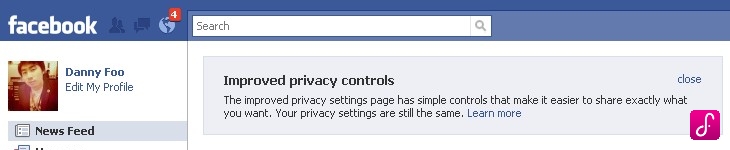
Okay. Facebook wasn’t kidding when they said revamp. But the awesome part about this is, it’s even simpler than it was before. Here’s what you can find inside the new Facebook privacy settings.
New Facebook privacy settings landing page
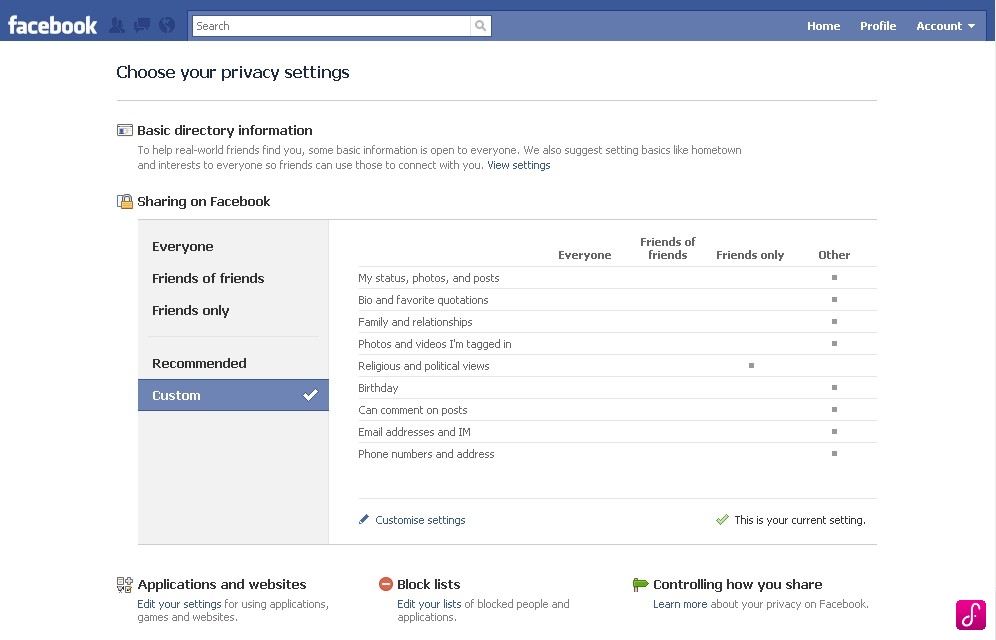
Basic directory information
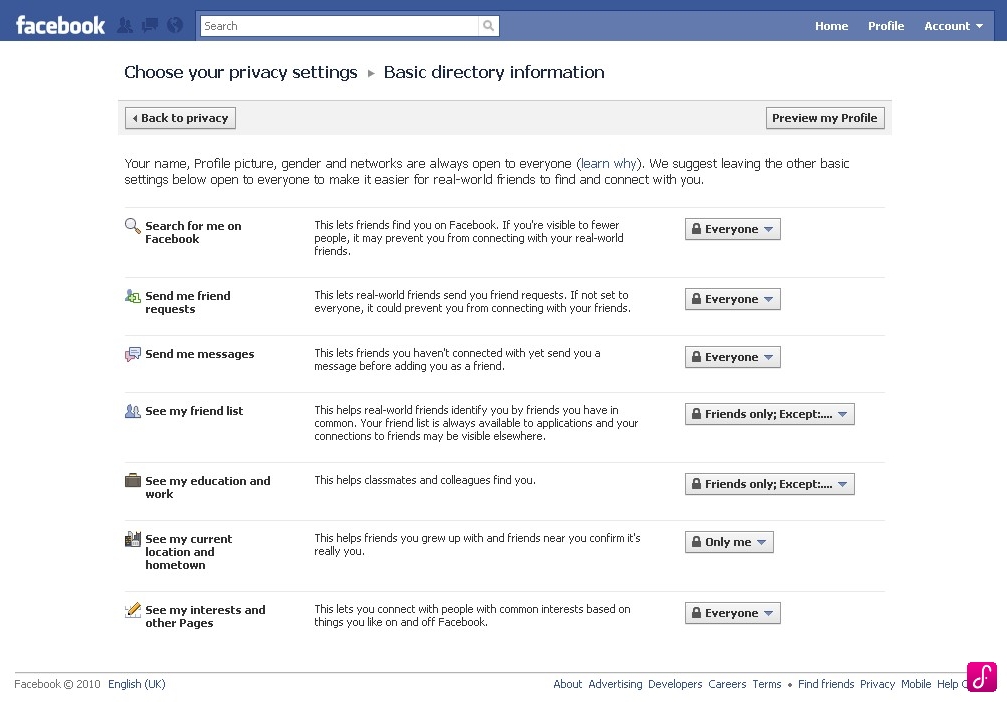
Inside here is where you control who can send you a message, request your friendship and even, see your hometown or current location. One of the things I’ve been pondering was, how do I stop Facebook from showing people where my hometown is? I wanted to do this because I didn’t want a select list of friends to know.
Preset privacy settings
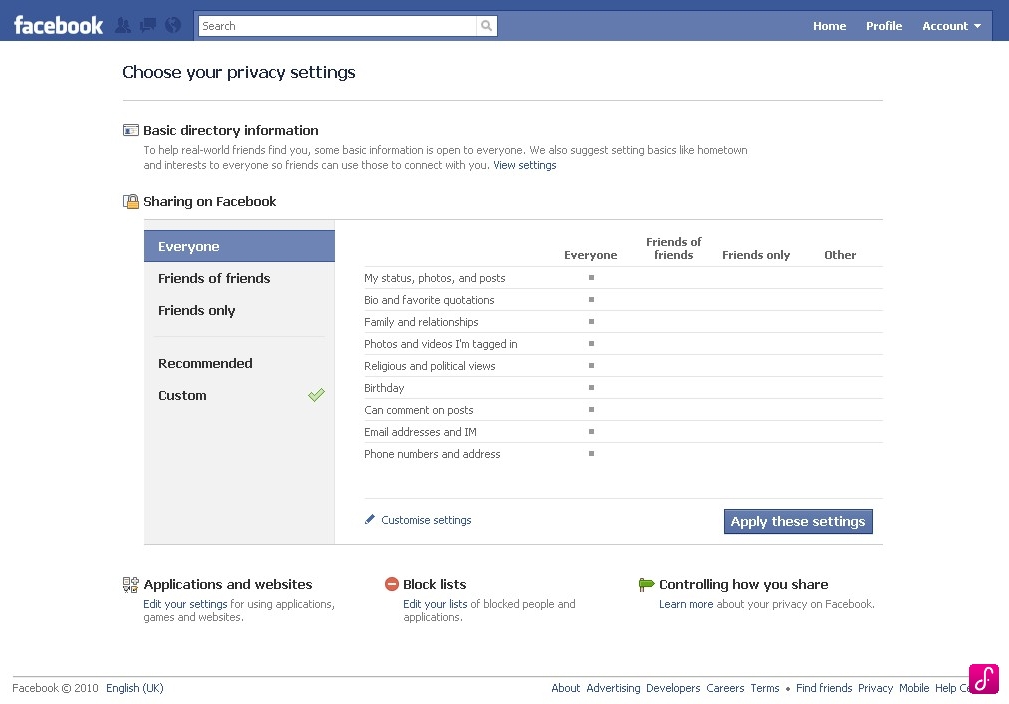
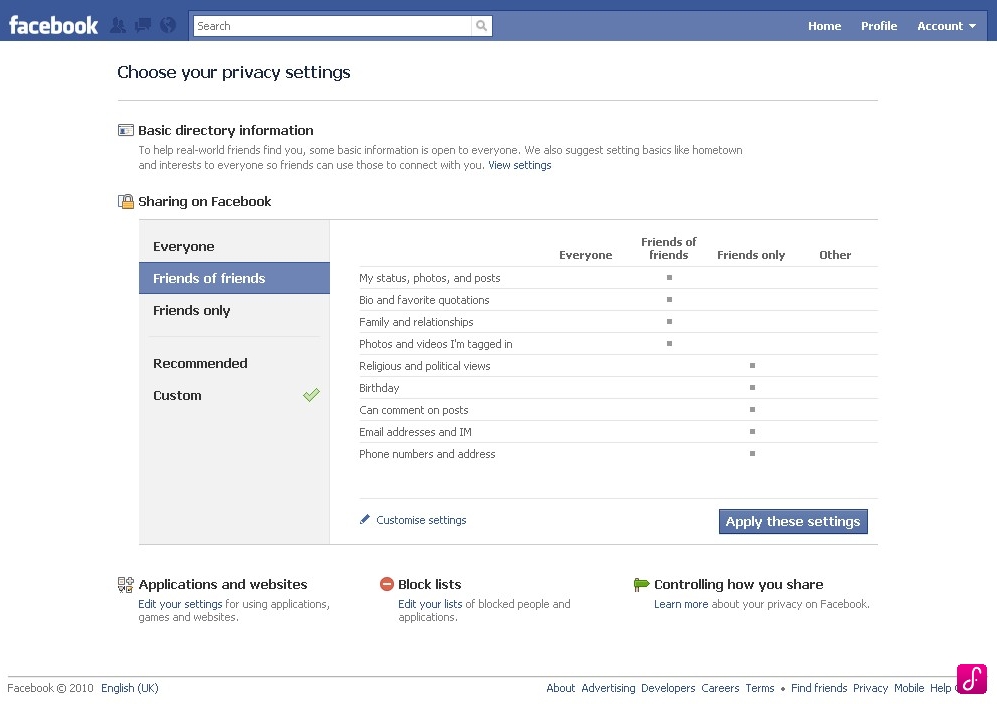
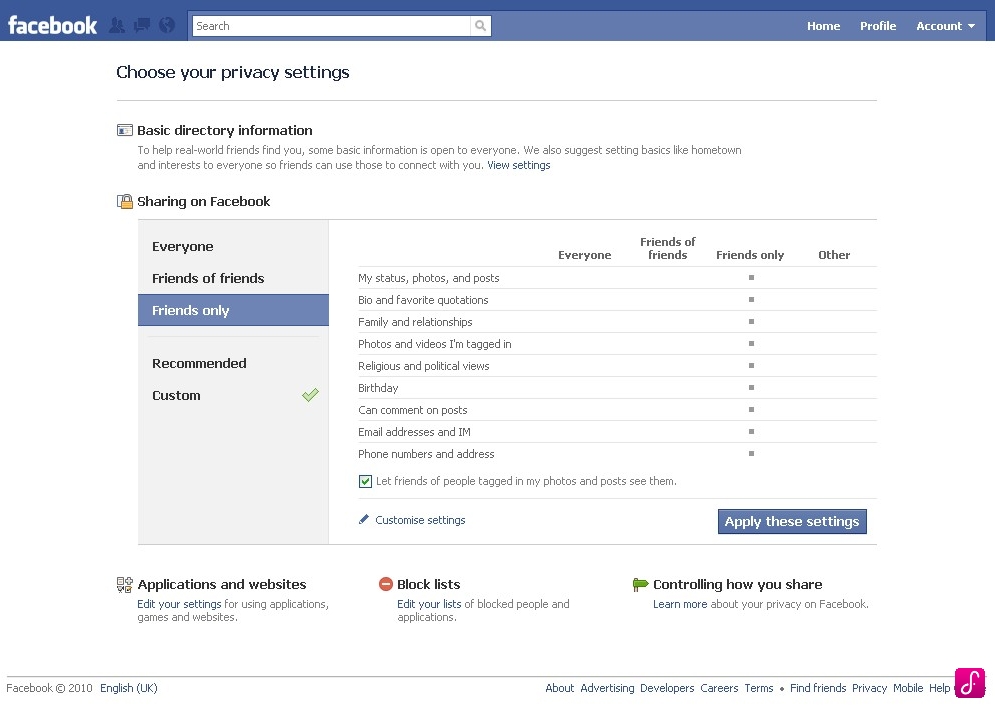
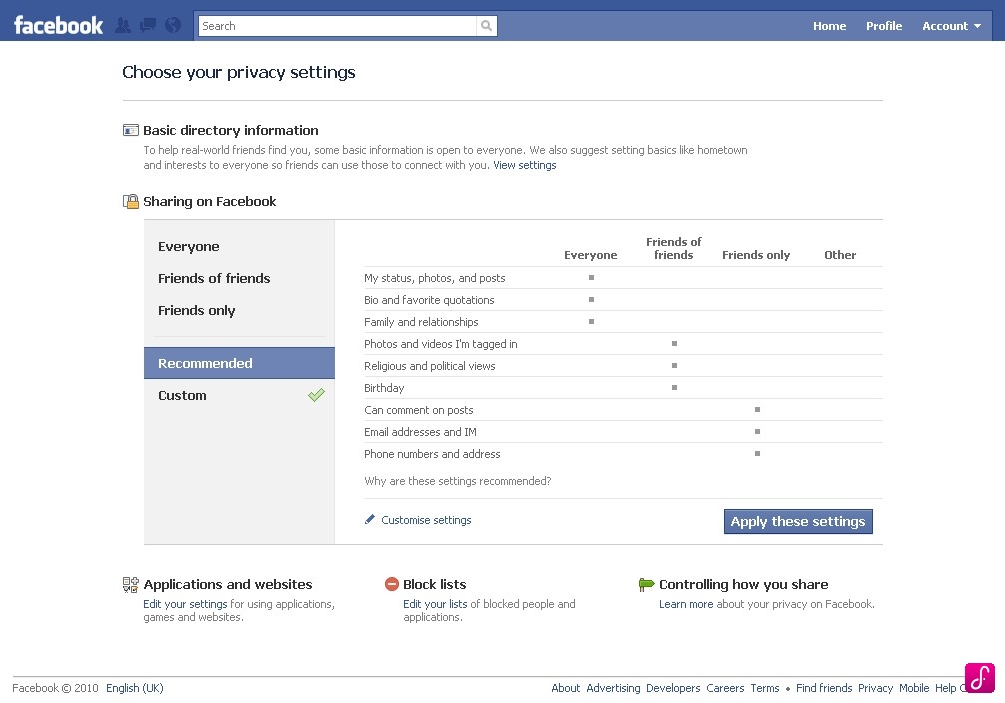
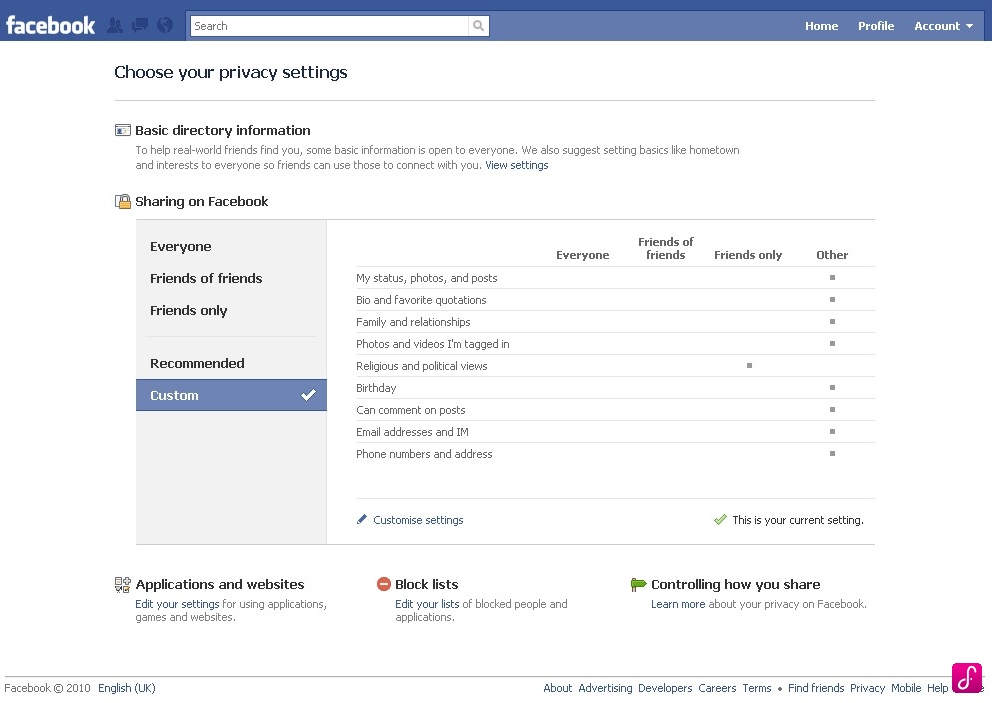
Customize your privacy settings
I’d personally recommend you to take full control of your privacy settings. It isn’t because you want to be a control freak. But it’s because these privacy settings isn’t only about you but also the people you’re connected with.
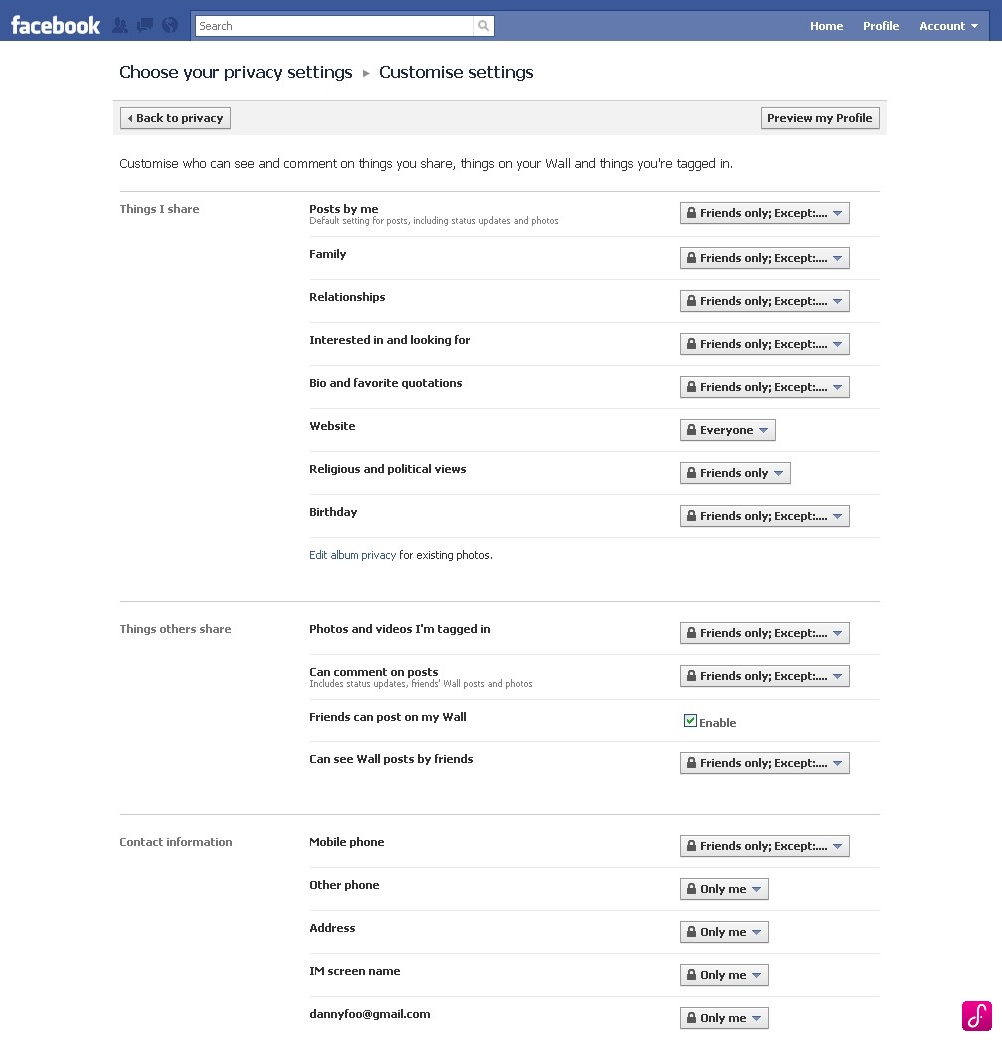
For instance, recall the time a girl friend you know complained about the spam invites she get from strangers. Well, one of the the strangers could really have been your friend. So, don’t just protect yourself.
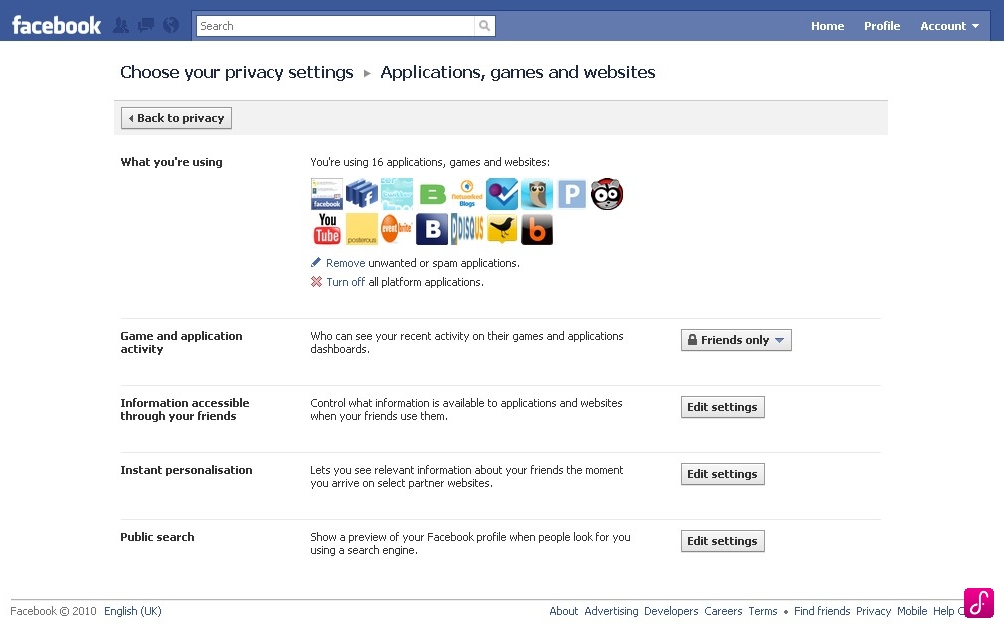
Setting information sharing limits to applications, games and websites
Accessible information through your friends
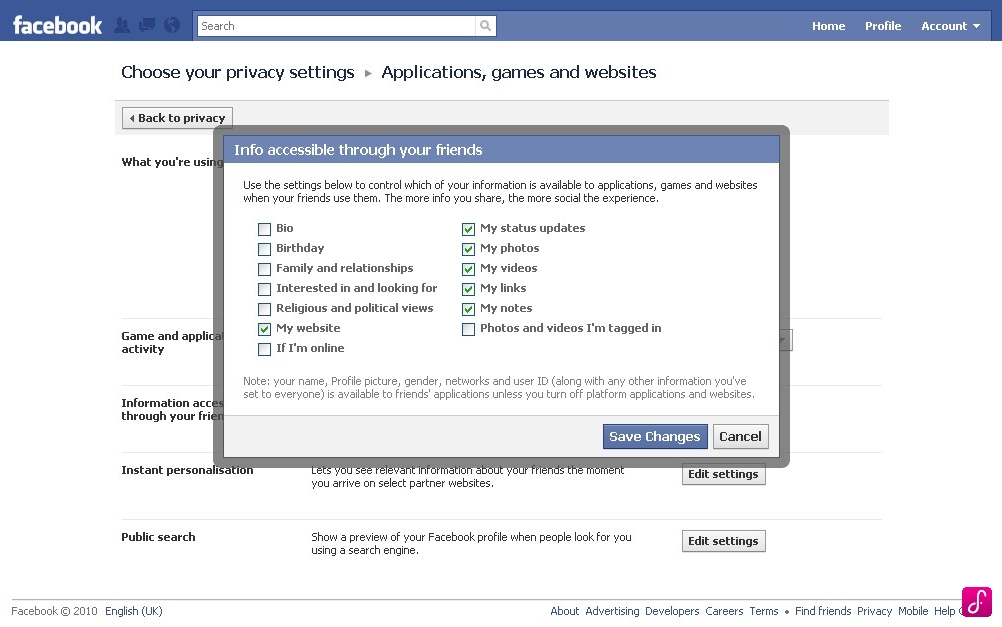
From what I understand, settings here allow me to limit what information is accessible or shared with the application, game or website is using to connect via Facebook. If I’m not mistaken, here’s where the hoo-ha broke out during the heated disuissions.
Block unwanted invites and applications
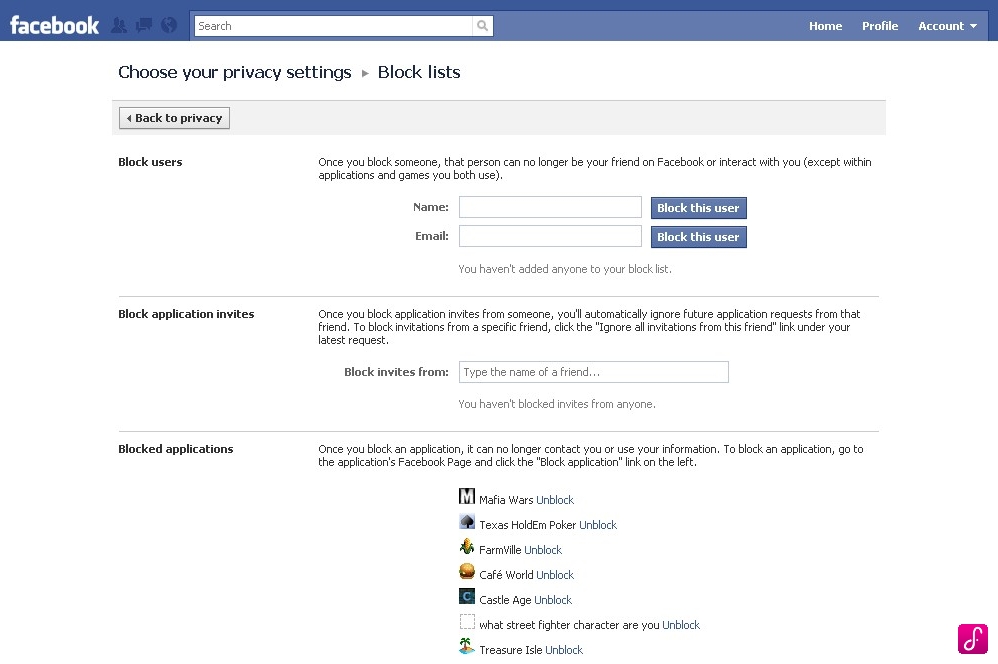
As you can see, I’ve blocked a number of popular applications to date. Like Mafia Wars, Farmville and Cafe World. Mainly because I’m using Facebook to connect socially with my friends. Not to play games.
But if Starcraft 2 came to Facebook, that will be a different store later. :P
Generally, if you’re a tech-savvy user then you should have no problem customizing your Facebook. Even if you’re not tech-savvy, you should take the initiative to go through and customize your privacy settings.
It’ll help everyone, friends of friends, friends and even, the exceptional list of people you don’t want to be disturbed by.
So, has the new Facebook privacy settings reach you yet?
Great post. All my settings were set to ‘Friends only’.
Awesome (: