 This is the half-point mark for me and the Apple iPhone in Malaysia which I’m reviewing. But I’m not going to let that get in the way and enjoy every single minute the Apple iPhone is still in my hands.
That’s why today I’m going to lay back and do some intense Internet surfing on the Apple iPhone using my wireless home network. Previously on the day it arrived to me, I was facing some trouble connecting it to my wireless network. However, human nature is to make mistakes and we learn then laugh from them.
So here’s the joke; I got my wireless network password wrong.
Alright, you had your laughs and smiles. If you could now wipe all the water marks of your screen, I’ll tell you about my experience using the Apple iPhone on the Internet. I may have not mentioned this before that the Apple iPhone comes with a built-in GUI QWERTY keyboard – your desktop computer keyboard but much smaller.
I’ve let a few people tryout the QWERTY keyboard and all have said it was either difficult or challenging to use. Well, I’ve to be honest and say it took me a full day of tapping SMS messages, website addresses, emails, blog comments, searches and etc before I got the hang of typing on the Apple iPhone.
And speaking about blog comments, I’ve to admit without a Tab button on the QWERTY keyboard it was a little more challenging leaving comments on some blogs with the Apple iPhone. The selective blogs were more difficult to post because the whitespace between the fields were very minimal. Now I understand why tall fields are really helpful at times like this.
The other thing I noticed while using the Apple iPhone to read websites or blogs with advertisements especially is that I’m prone to accidental clicks on advertising. It’s easy to understand why because if you need to read the text you either double tap to zoom or use two fingers and stretch out. It’s easier to tap on the Apple iPhone obviously but accidental clicks may happen when you’re either scrolling or trying to move the webpage around.
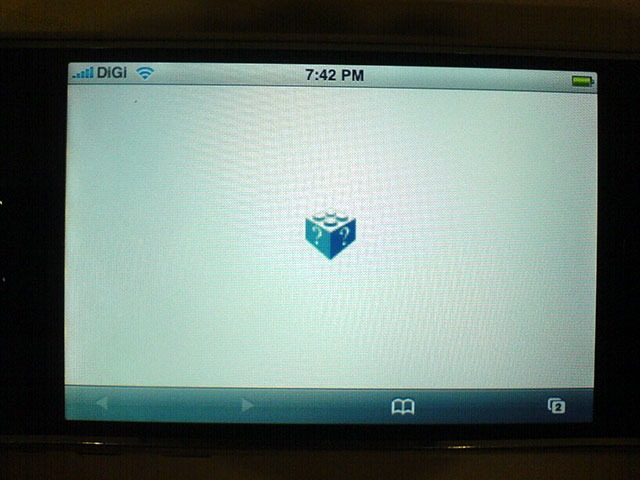 One setback of using the Apple iPhone (though I think it’s nothing major) is it does not have support for the Flash plugin. Which means all Flash on a website are not rendered and Apple is nice enough to tell you that with a cute blue LEGO type icon. It is still unclear if Apple will add the Flash plugin support in future updates and it’s not been documented in the recent 1.1.1 firmware release.
Based on what I found over at Mike Downey’s blog (Group Manager of Platform Evangelism at Adobe Systems), he quoted Steve Jobs conversation with John Markoff:
Markoff: “And what are you thinking about Flash and Java?â€Â
Jobs: “Java’s not worth building in. Nobody uses Java anymore. It’s this big heavyweight ball and chain.â€Â
Markoff: “Flash?â€Â
Jobs: “Well, you might see that.â€Â
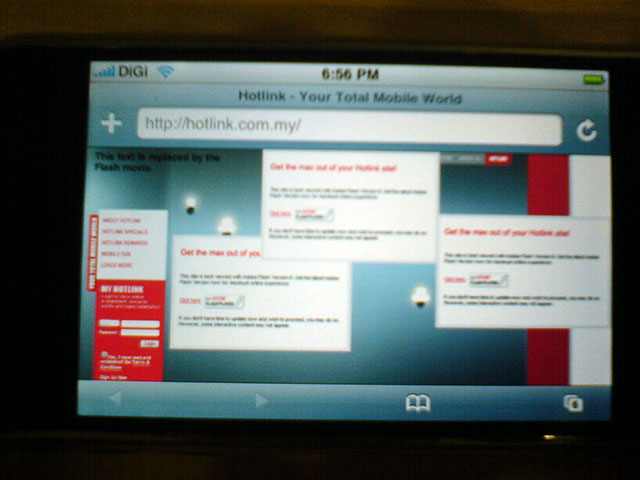
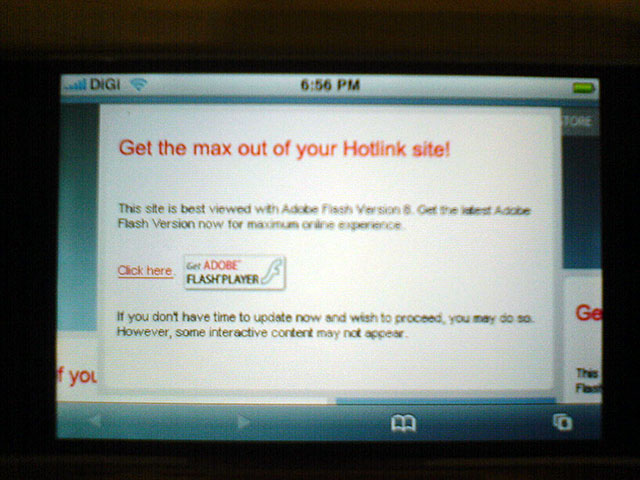
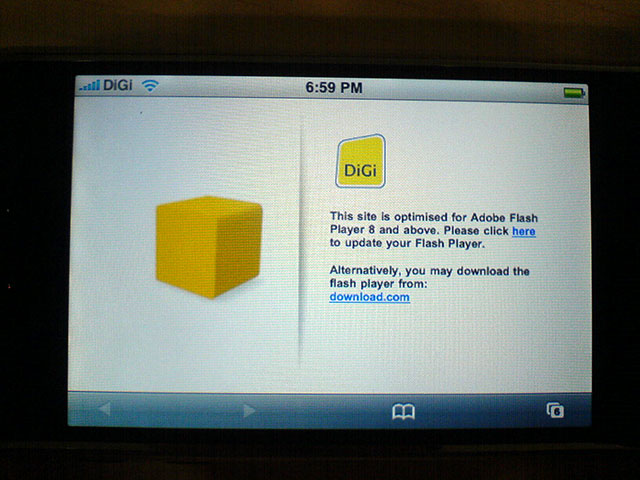
There may be still hope for some websites which are built entirely in Flash. Else we’re going to be seeing a number of big corporations (like the ones below) boycotting the device because it can’t be displayed properly on a mobile device. On the other hand, I’m actually happy for something like this to happen because it just goes to show the importance of either having a fallback plan or more reasons why important parts of a website should not be presented in Flash.
Besides Flash support, the safari version of the Apple iPhone has been programmed to be really smart. You know how many websites today like to have the vertical dropdown menus when you hover over the button. Well, the Apple iPhone can handle them except for one small mistake I hope to be rectified. If your website was built following web standards (XHTML/CSS) then the dropdowns can be activated by tapping on the main menu button once. However, if your website is still utilizing the old method of HTML tables and etc then you’re in bad luck because it won’t work. Here are two examples below; left is web standards compliant and right is the old method.
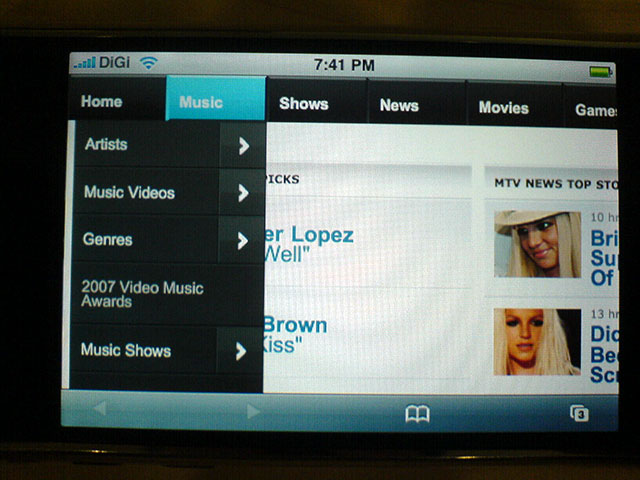
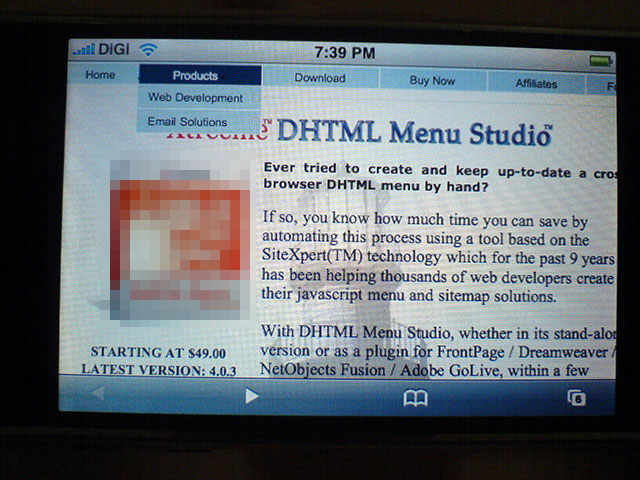
No doubt it does look the same now but if I clicked on the main menu button in the website example on the right I’ll be directed to the targeted page. Kudos on Apple to emphasize the use of web standards for websites.
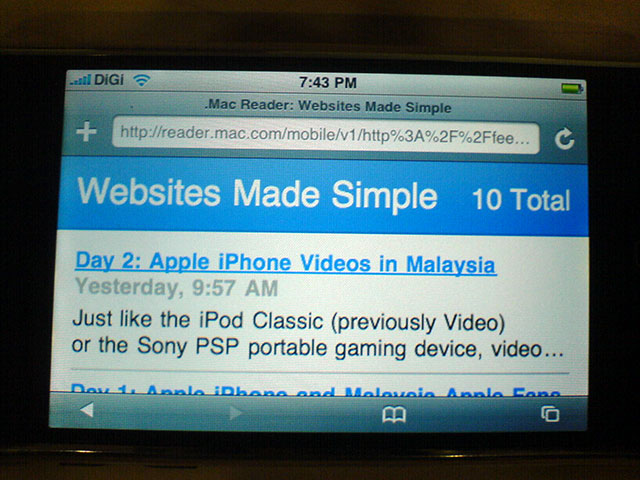 As much as we all like to read, RSS feeds are becoming more used by many in keeping track of their favorite blogs or websites. Too bad the Apple iPhone doesn’t display the RSS icon on the address bar for you to easily add it to your RSS reader. And yes, the Apple iPhone has a built-in .Mac RSS reader.
Subscribing to an RSS feed requires an extra step than to just click the RSS icon in the address bar. If you wanted to subscribe using the Apple iPhone, you’ll need to click on the RSS link feed found in the blog, let it load in the browser then bookmark it for quick loading in future. I’ve tried a third party RSS reader application but it doesn’t seem user-friendly and it wasn’t working well for me.
Other than the above, I’d like to note albeit the mobile email is great to have it looks like email newsletters need to optimized for the Apple iPhone. The Tom’s Hardware newsletter which I subscribe couldn’t display any content of the newsletter. In addition, I would really love Apple to bits if they could somehow include a Junk filter in their mobile email application.
In the end, surfing the Internet on the Apple iPhone has been overall good. With some added plus points if you’re using it in a public space or with a lady colleague nearby, you can bet the Apple iPhone is a lady killer. ;)
[tags]Apple iPhone, iPhone wifi, iPhone internet, iPhone RSS reader, iPhone Flash plugin[/tags]
midp apps cannot be run in iphone>?
Sebol:
I’m afraid the Apple iPhone can’t run Mobile Information Device Profile (MIDP) apps because it doesn’t have the Java support. And I have to agree with Steve that Java remains a heavyweight when wanting to use it.
My perception toward java is alway ‘HEAVY’, expect after i look at tonne of java midp apps run on mobilephones.
I’m sure somebody will write something to make midp apps can be run on iphone, just like they did on windows mobile.
Steve sometimes too brave being different from others.
Well, I’ve no immediate need for any Java app because what I want is already in the iPhone and it’s fast. Something Java is not too great albeit it’s use in windows mobile PDAs.
Probably the only need for Java is still play Java based games. But on the other hand, old Nintendo games are way addictive too. :P
How long does the battery last when you connect to wifi? Can it just go online through gprs/3g?
Regretfully, I didn’t sign up for EDGE. As for GPRS, well, most of the time I’m using Wifi and not GPRS.
The other thing about the iPhone is it doesn’t have 3G. So no video calls and the usage of 3G. However, rumour has it the Asia edition may have 3G though no official details are out.
I forgot to mention, you can surf a long time with it before it dies. That excludes usage of YouTube though. I noticed video viewing does tax the device more.
hi,
i just bought an iphone.i’m just curios on how to setup up the network?how do i go about the setting for the iphone network?
ADI:
1. Do you mean Carrier network?
2. Or Wi-Fi network?
3. Or some other network?
If you are talking WIFI
Try this:
Settings > WiFi
1. turn it ON
2. Select the WIFI Network
Click on “>” if you need to set DHCP etc
Otherwise enter your WEP password
3. Hit Home and click on Safari
If you are looking for EDGE settings:
Try this:
Settings > Network > EDGE >
1. Enter your APN, Username and Password
Similarly you do Settings > Network > VPN
to set your VPN settings
Patrick
Sorry
That should have been:
Settings > General > Network > EDGE >
and
Settings > General > Network > VPN
I started reading about blog and found it is nice to see people discussing issues but some blogs like on http://whatsonweb.blogspot.com does not provide correct information.
Is there any law to control that ???
I’m afraid not, Mike.
Blogs belong in the category of freedom of speech. However, if the writer resides in a country which has laws governed to act against an individual who produces false or/and harmful information to another individual or organization then action can be taken against the blog owner.
It’s kinda like the story in Malaysia, authorities couldn’t take action against some bloggers because their blogs were hosted internationally. However, it seems the law here has been changed to fit the circumstances.