 Just like the iPod Classic (previously Video) or the Sony PSP portable gaming device, video playing on a mobile device is one of the norm found in mobile devices. Albeit Apple’s new iPod Nano are smaller and can play videos, I believe my personal satisfaction will not be satisfied by it’s 320 x 240 screen size.
Even comparing to the iPod Classic, I would have to say the viewing ratio of only the Sony PSP or Apple iPhone would be about the right size (for me at least). The Apple iPhone isn’t bulky (at all) and it’s support of H.264 videos are stupendous!
Today’s review is going to be a little bit different. Because I’m reviewing the Apple iPhone’s video usage this round I will be showing you the pictures I snapped using my W800i mobile phone. My digital compact camera died on me quite awhile back and snapping with my 400D is too tedious.
Anyway, these are some of the videos I have played on the Apple iPhone. Note that some of these videos have been converted to .mp4 format in order for it to be compatible on the Apple iPhone.
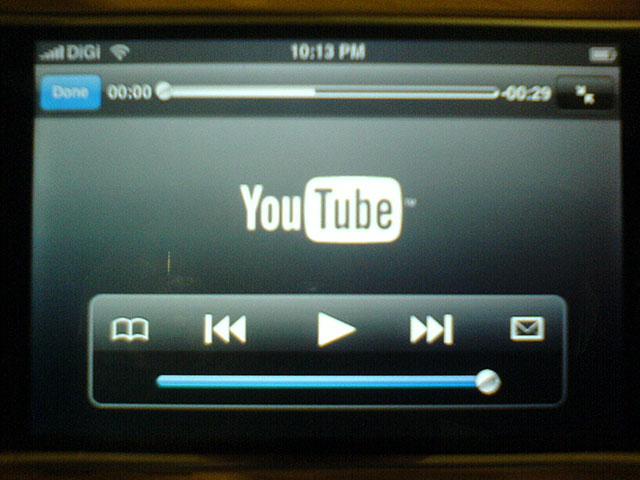
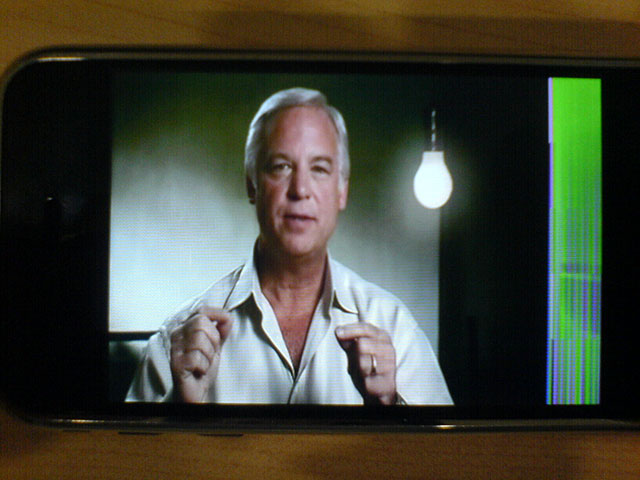

So from the above, my Apple iPhone is playing a downloading a YouTube video and mind you, they are adopting H.264 standards so you can expect ultra clear videos later. The second is ‘The Secret’ which I converted. The funky looking color on the right is due to corruption during encoding. The third one for all anime fans is Bleach.
Continuing on with my Apple iPhone videos are some local content I decided to put into my video library. :)
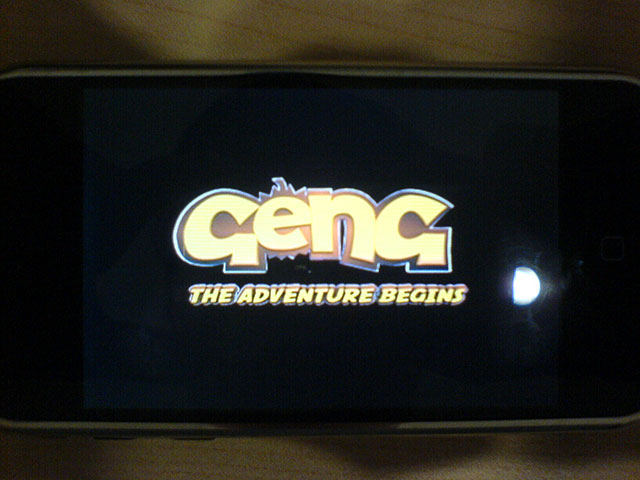
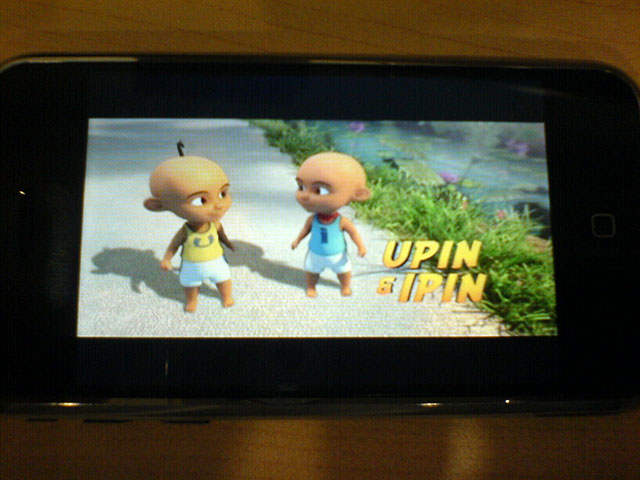
Geng from Les Copaque is the new standard of 3D animated cartoon like Saladdin but more fun and less historical. It’s by far the best local cartoon animation I’ve seen since viewing the animation; A Malaysian Friday.
I had to convert the videos with a third party software because iTunes doesn’t have a built-in video converter so I couldn’t just drag and drop my mostly AVI files. The third party software for Windows wasn’t great because it crashed a number of times due to some system file. I’m going to be trying out Handbrake on my Mac later.
The other thing I noticed is how iTunes doesn’t allow you to sync a folder for your videos. You need to select them individually and this is rather tedious. The upside for video syncing using iTunes is your TV shows, like Podcasts you may be following.
While I was playing some videos with the built-in speakers at the dinner table, the sound couldn’t reach the capacity it needed. So I’m concluding the Apple iPhone video can only be viewed by a maximum of 2 people without the usage of earphones. Blasting the built-in speakers will not help the sound consistently because in a video you have whispers to screams.
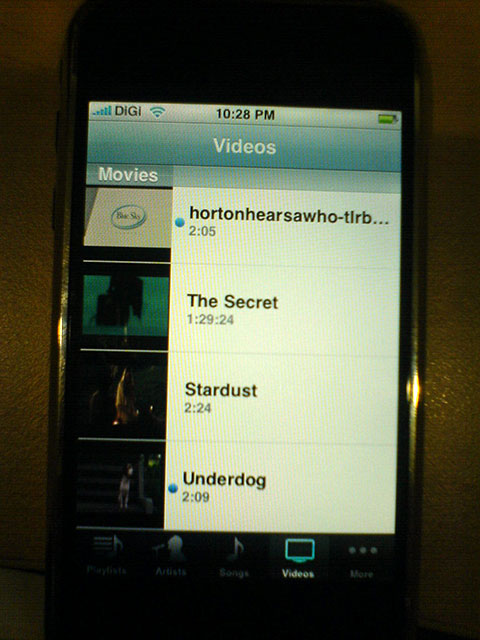 The great thing about the Apple iPhone video player is it stops at the point you left if you have not completed viewing the video. And speaking of incomplete video viewing, the Apple iPhone video playlist has a small but helpful ‘blue dot’ to tell you which video you haven’t watched yet. This little blue dot is handy to remind you which episodes or videos you haven’t watched to inform you how fresh is your library.
Dots aside, the Apple iPhone has the capabilities of playing almost high-definition videos and it’s made for a 1-person cinema experience. Start saving money on the popcorn, drinks, junk food and pirated DVDs then you’re bound to have enough to purchase the Apple iPhone in Malaysia soon enough.
Until then, thanks to iPhones Unlocked once again for loaning me this Apple iPhone to review in Malaysia.
[tags]Apple iPhone, Malaysia, Safari, Youtube, iPhone video[/tags]