This might be old news by now. But like me, I just found the time to go through their mini campaign website. And must say, I’m spinning their 360 degree product example with joy. Wheeee! :P
By the way, if you want to play around with their examples then you’re going to need Safari to browse it. Because if you’re on Chrome (like me), then you’ll get a courtesy message.
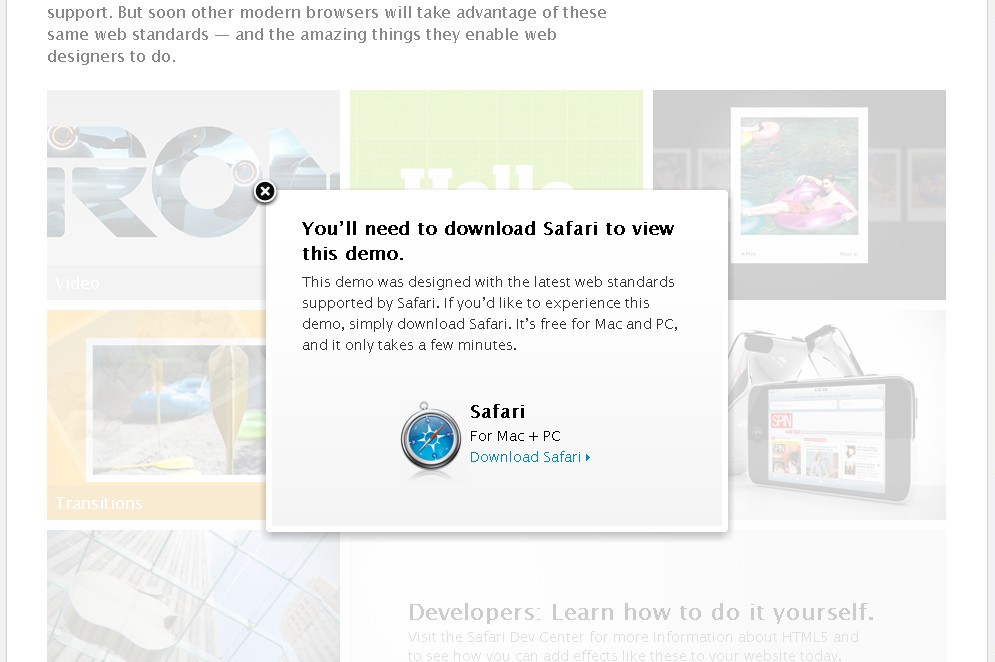
Sadly, demos only work in Safari. Even Google Chrome isn’t support – bugger. If you choose to not download Safari, here’s what the website looks like.
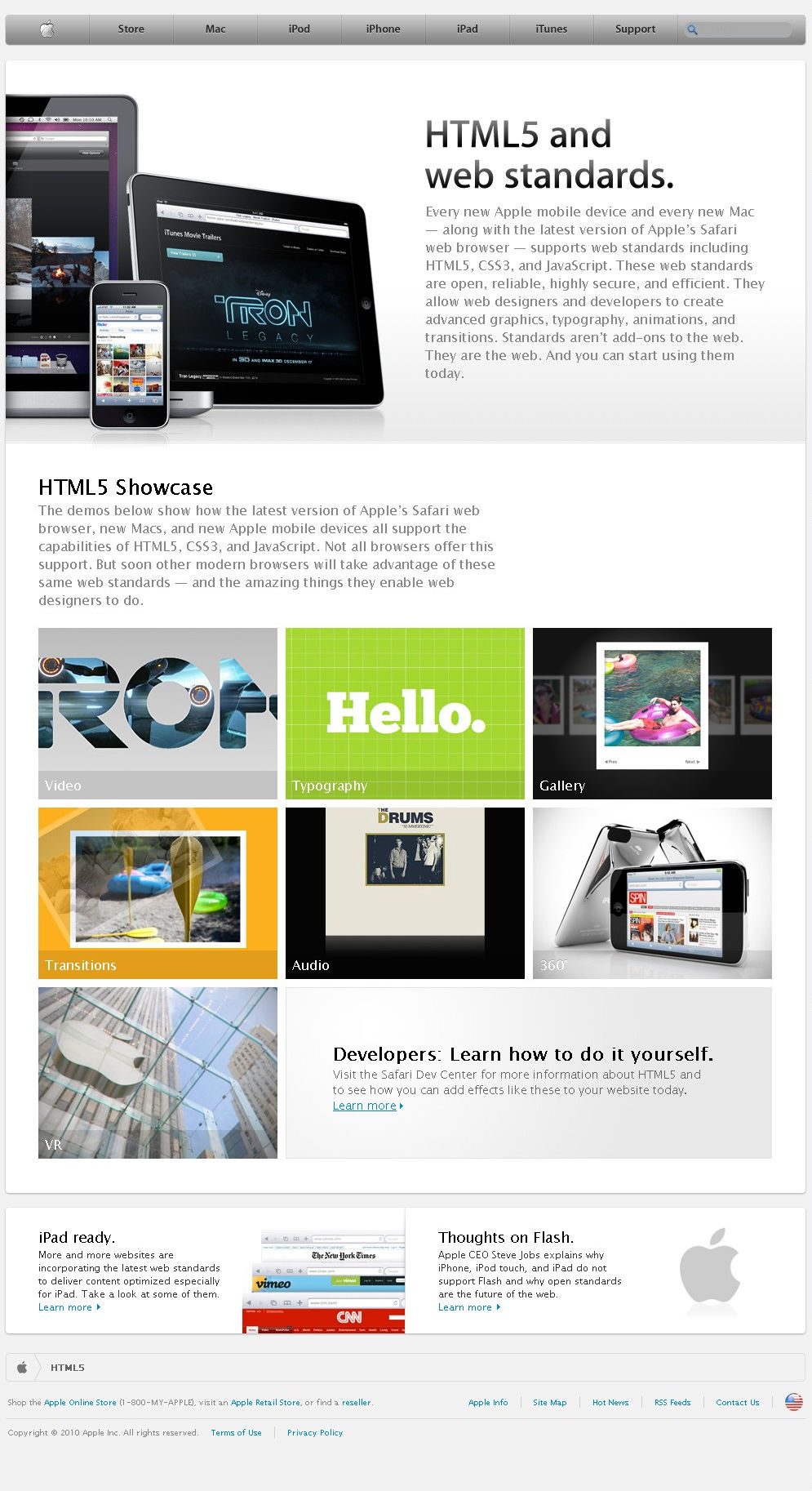
Without Safari, you’re missing out on 6 examples on a PC and 1 bonus example which apparently is only available on Safari for Mac machines. The 6 examples are:
- Video scaling during playback.
- Typography control for drop shadow and rotation.
- Easy slideshow creation.
- Transitional effects.
- Audio embedding.
- Video control without Flash or Silverlight.
- Virtual Reality (VR) – only works in Mac platform.
Apple’s pretty gung-ho on HTML5 since their love for Flash is still uneasy. But I don’t want to get into that discussion as I’ve not read up the whole story too.
But to be honest, these new HTML abilities mean users will have more control in their hands and wouldn’t need the extensive skillsets to pull off some of the examples above. :)