 Despite owning an iPhone in Malaysia for almost a year, upgrading my iPhone firmware still gives me the chiils to the bone. I don’t know why but it might be because I don’t want to damage this delicate and fragile iPhone. And, I do remember sharing how to Unlock the Apple iPhone 1.1.1 in Malaysia last year.
The process to unlock and jailbreak an iPhone in Malaysia or elsewhere is almost worry free now. Unless you share my worries too, not wanting to brick (break) your own iPhone. But yes, I took the leap earlier yesterday evening to upgrade, jailbreak and unlock my iPhone from firmware 1.1.4 to 2.0.1. Skipped over 2.0 right away – no biggie. ;)
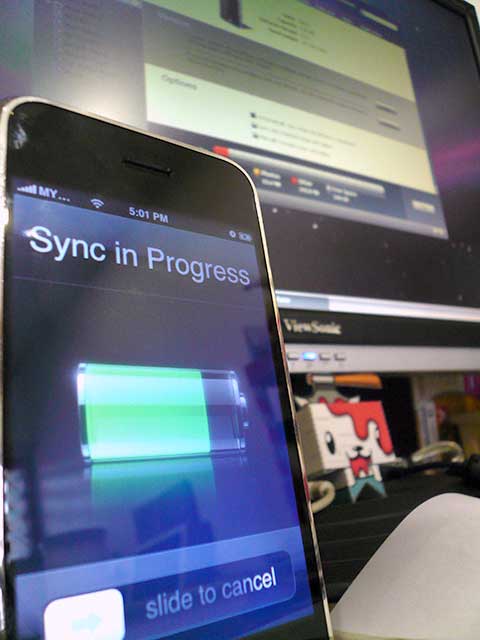
Before I jump into the differences, here’s the visual documentation of my iPhone upgrade from firmware 1.1.4 to 2.0.1. Reason I’m not doing a tutorial or how-to upgrade your iPhone from firmware 1.1.4 to 2.0.1 is because its freely available online. I used iClarified’s how-to for this upgrade – using the leet; Pwnage Tool. Click the thumbnails for larger versions.
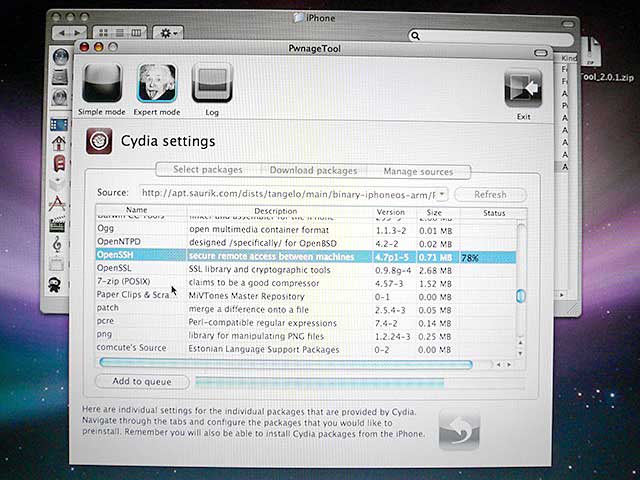
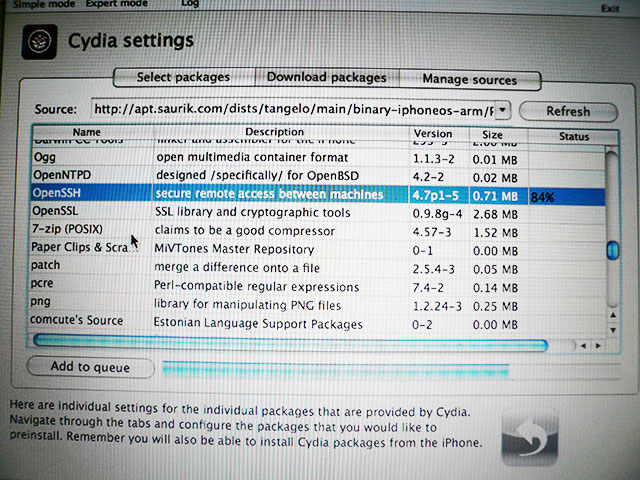
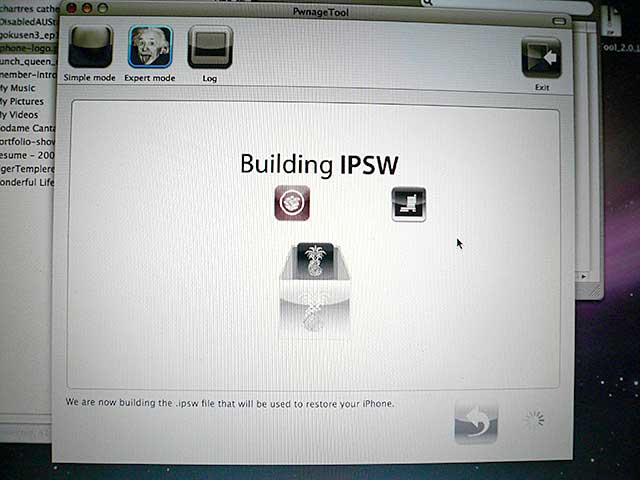
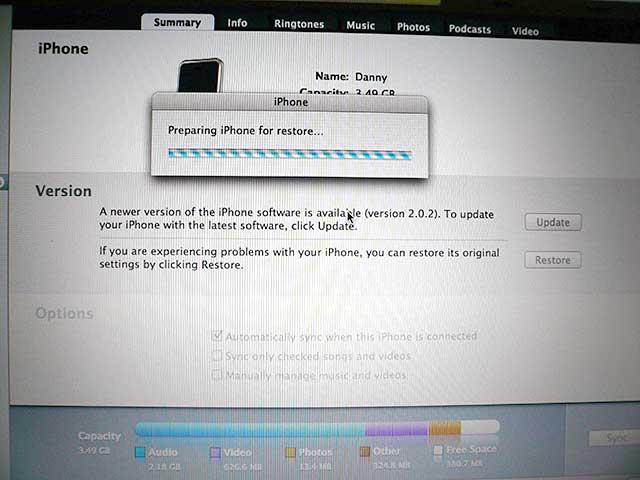

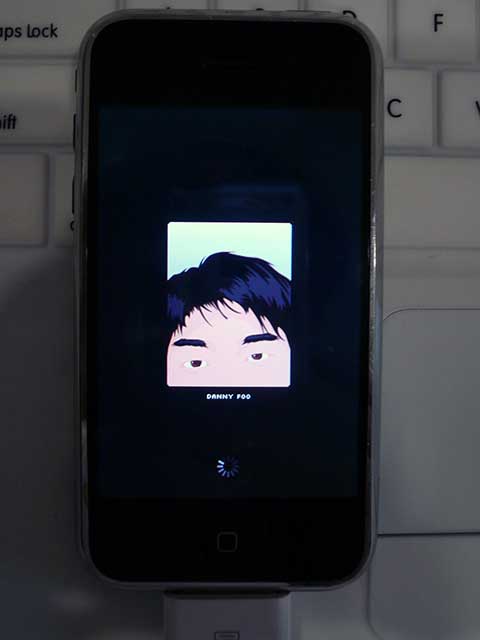
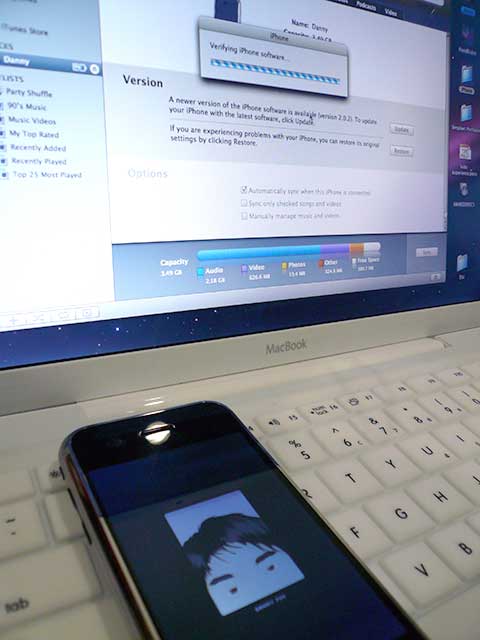
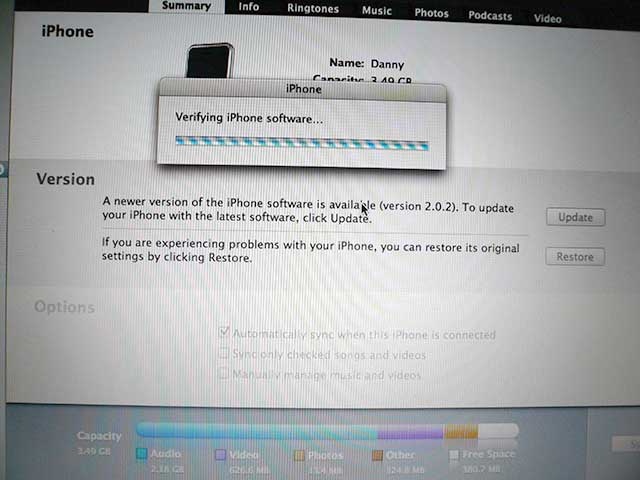
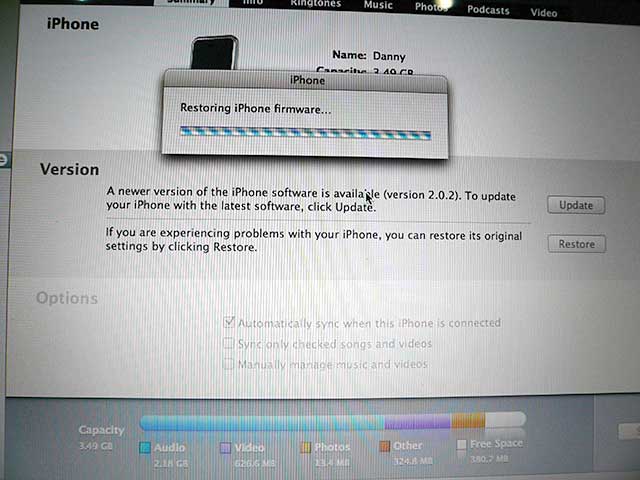
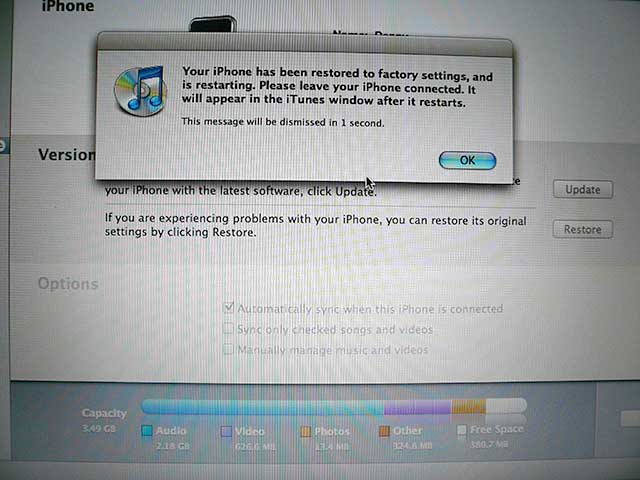
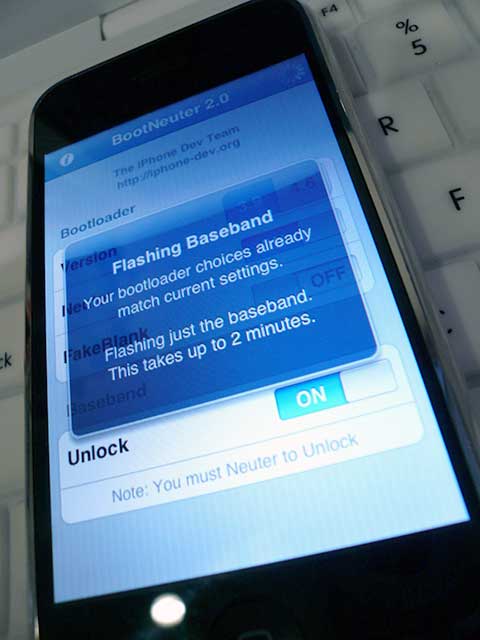
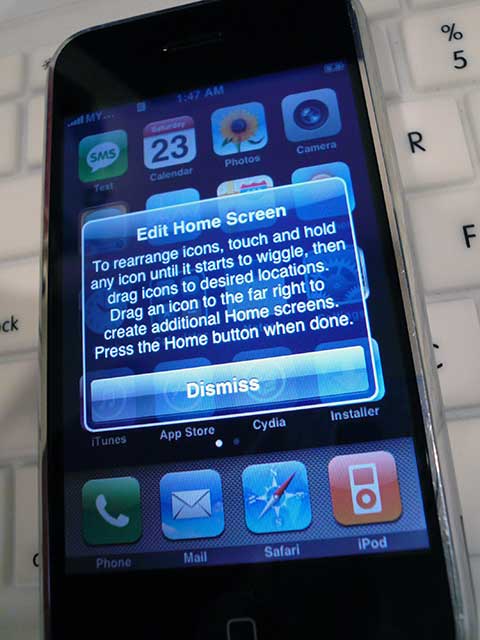
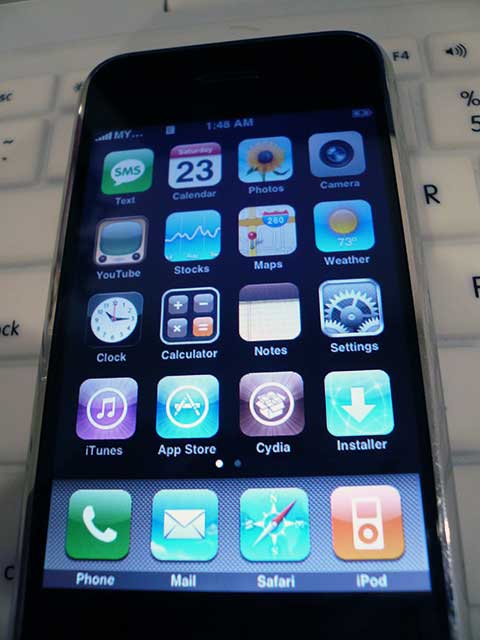
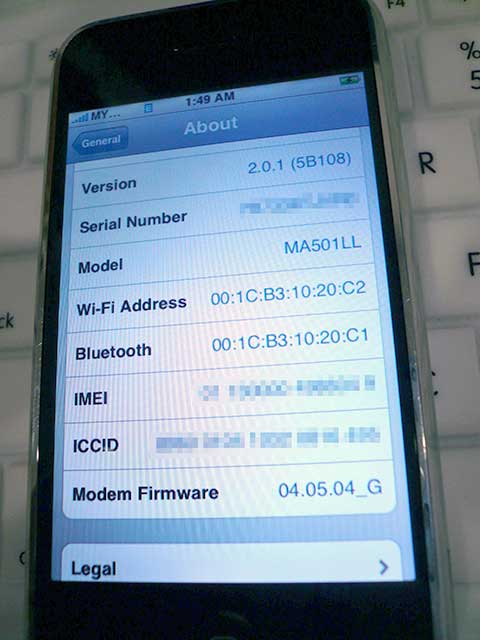
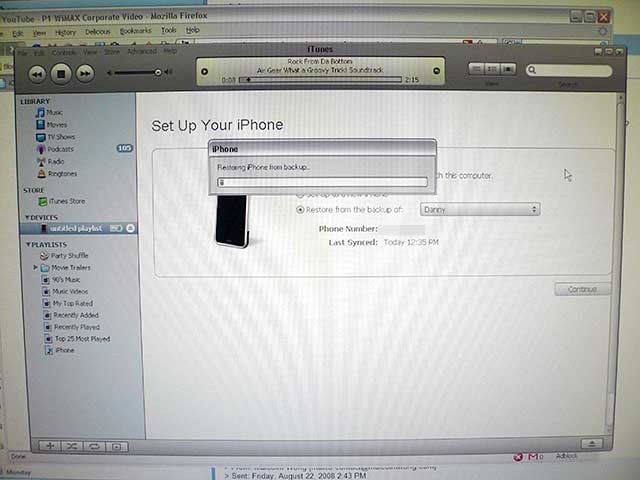
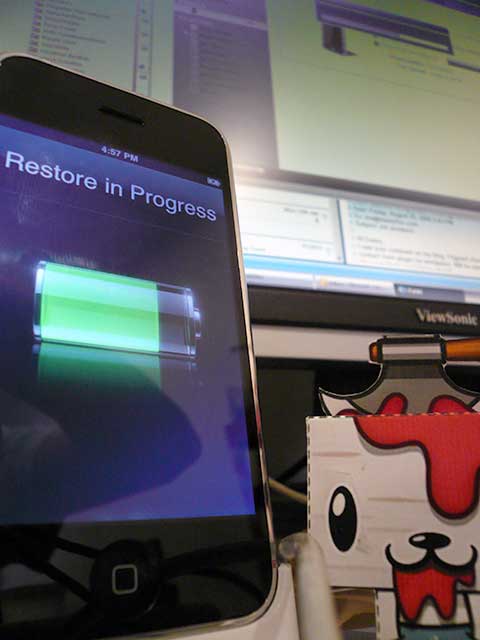
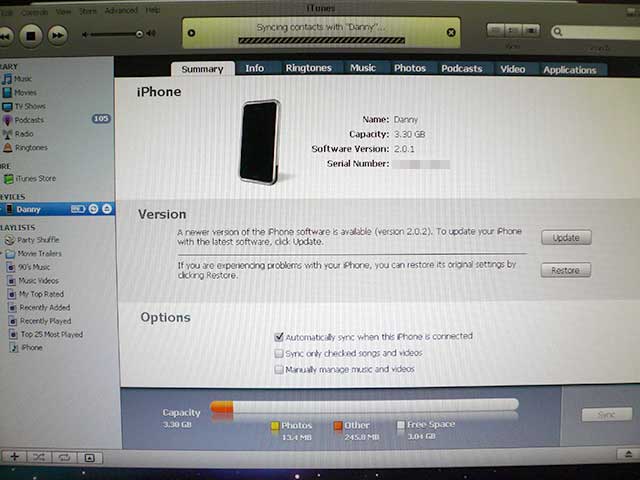
After successfully upgrading, I’ve noticed differences between the iPhone firmware 1.1.4 and 2.0.1. Some good, some tolerable and no, there is nothing bad about the iPhone – yet. LOL!
- Cydia (instead of Installer)
I don’t follow the iPhone’s development every second therefore it came to me as a surprise of why I needed Cydia. I found out soon enough (after the upgrade) Installer is apparently in Beta. - Contacts
Besides having to scroll through your contact list in the Phone book, you now have Contacts which actually is the Phone book but with an added Search option at the top. - Icon upgrade(s)
It looks to me they’ve edited the Calculator icon a little. Minor aesthetic value there. - Fetch New Data in Settings
I’m unsure what this is used for but my guess is it’s for the Microsoft Exchange or Mobile Me addition to the iPhone. - Mail, Contacts, Calendar in Settings
Instead of Mail it’s now a longer title and when you add an account, you’ve got Microsoft Exchange and Mobile Me. I’ll ponder whether to tryout Mobile Me later on.
That’s pretty much the most obvious changes I’ve noticed so far. Now I feel what’s left for me to dabble around with is purchasing applications from the iTunes store. :D
In the meantime, here’s a video I recorded using the Cycorder application I downloaded via Cydia. It uses the iPhone camera and records 6-15 frames per second with no compression delay between pressing stop and getting to view the resulting video. It’s FREE but it doesn’t support audio recording at the moment so the application may have to be purchased in future when they get the audio sorted.
I’m not sure if or how has the new firmware improved the battery usage of the iPhone but we’ll see. Other than what I’ve said, it’s a new iPhone journey once again for me but this time much cooler. We can buy iPhone applications from the iTunes store now! sw33t!
What have you iPhone 2.0 users bought so far? Any recommendations?
Danny Foo okay its like this. i called SingTel. they said if your a singtel owner it’s possible for you to buy the iPhone 3G with no contract. i was thinking if i did that way and bring in iPhone 3G. would it be possible for me to use it with a Maxis line?
btwdo i need to hack it or any thing?
wats the diffrence actually? some say unlock to be use. some say unlock to install free software . hope to see ur reply =]
There was 1 blog I read the guy was using DiGi on it. But apparently from somewhere I read, the iPhone 3G could support our Maxis, DiGi and Celcom lines. I’m waiting further proof of this online in the coming weeks (or months).
Hey Danny! I was looking for someone who made this before to check everything was OK. I’m looking forward do attempt on my own classic iPhone, but I’ve got a doubt: i want to go on Expert mode, because I don’t want the custom logos in my phone. The thing is, what do I have to do with the “activate the phone” option? Do i have to check it or no? And what about the “enable baseband update” option? Do I have to check it to? I’m not in the US, so I’m not using an AT&T sim. I’m in latin america qith my own sim.
Thank you for your help!!!
1. You could just click Yes when they ask to activate. They’ve made the tool friendly enough to detect if your iPhone has been activated and to not activate it again. :)
2. You could technically proceed ahead with that as well. They’ve made the tool really friendly.
I believe it doesn’t really matter what sim card you’re using because an unlocked phone is an unlocked phone. Not comparing to the ones sold unlocked already though. I haven’t tested jailbreaking and unlocking an already unlocked iPhone.
Anyone want to sponsor me one from Singapore? LOL!
is this upgrade applicable for ipod touch too? the iClarified link you provided only mention iPhone but not ipod touch
Well, I did say in the title it’s for the iPhone. :(
Try Google-ing to see if indeed there is a 2.0.1 for the iPod Touch. You might get lucky.
is it possible fr me to find comebody to unlock it for me?
u see , i just bought iphone. directly from Us.
and honestly here. i have no idea wht are u guys talking about.
soo ???
whre can i get people to unlock it for me?
thnk uuuuuuu.
regards
ATiqah
I’ve personally emailed you, Atiqah. :)
Hi Danny,
I planned to upgrade my iPhone firmware from 1.1.3 to 2.1 ans like you, still feeling nervous to do it thinking about lack of iphone support in Malaysia. However, I’ll go for it and will post it in my blog once it’s done just for sharing. i will follow guidelines from breakitdownblog.com
roslan, do update us once it’s done. :)
as so far I’ve found iClarified to be really reliable.
Thanks alot for the website tutorial!
I finally get my iphone working again in a new versionn
WOO HOOO thanks so much
You’re welcome, Alto. :)